Maze Creator
You want to create a custom maze for your worksheet, activity pack, or classroom resource. So you search online for a maze generator, but everything you find gives you the same generic rectangular maze with no way to customize it. No control over the shape, the difficulty, the look — nothing.
You try drawing one by hand, but after 30 minutes you realize there’s no guarantee your maze even has a valid solution. Back to square one.
Try it yourself — Maze Creator is available in DEMO mode!
Explore all features for free before you buy. No sign-up required.
Try the DemoWhat if there was a better way?
What if you could generate a maze in seconds — you pick the shape, the size and the difficulty — and every maze is guaranteed to have a valid solution?
That is exactly what Maze Creator does. It runs in your browser, and you can try it in demo mode right now.
Features
- Three maze types: rectangular, circular and triangular
- Every maze is guaranteed to have a valid solution - and you can show or hide the solution path with one click
- Paint and erase cells to create your own maze shapes (or start from one of the shape presets)
- Place the start and finish points exactly where you want them
- Set the difficulty (easy, medium or hard) and see stats like dead ends, junctions and solution length
- Color themes ready for print (Golden Glow, Ocean Glow, Berry Burst) - or no background if you want to style it yourself
- Every maze is generated from a seed number, so you can recreate the exact same maze anytime
- Save your mazes and come back to edit them later
Maze examples
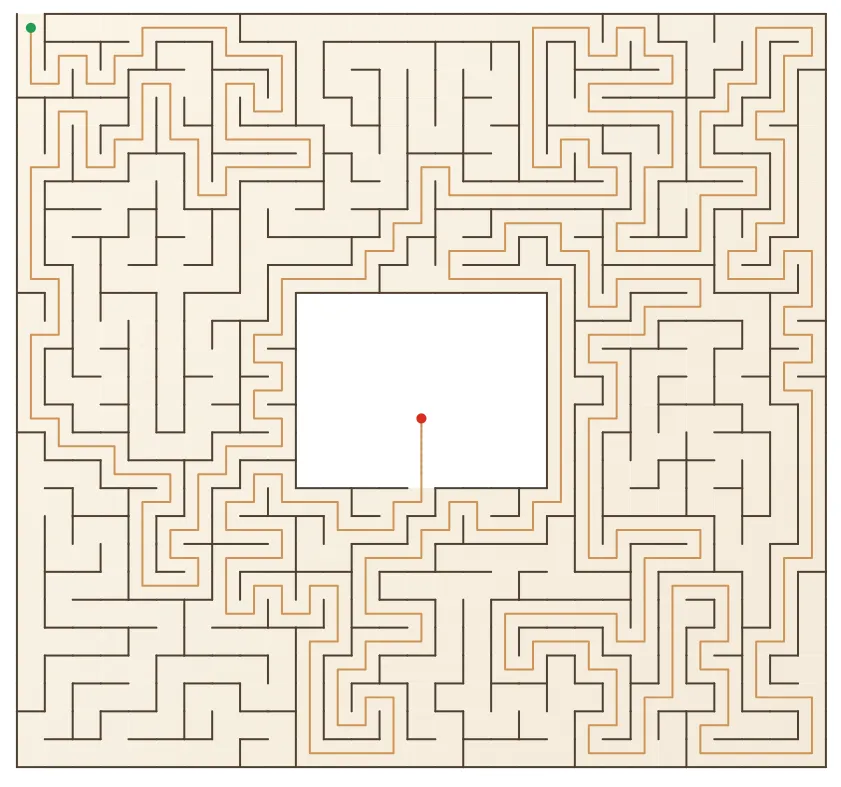
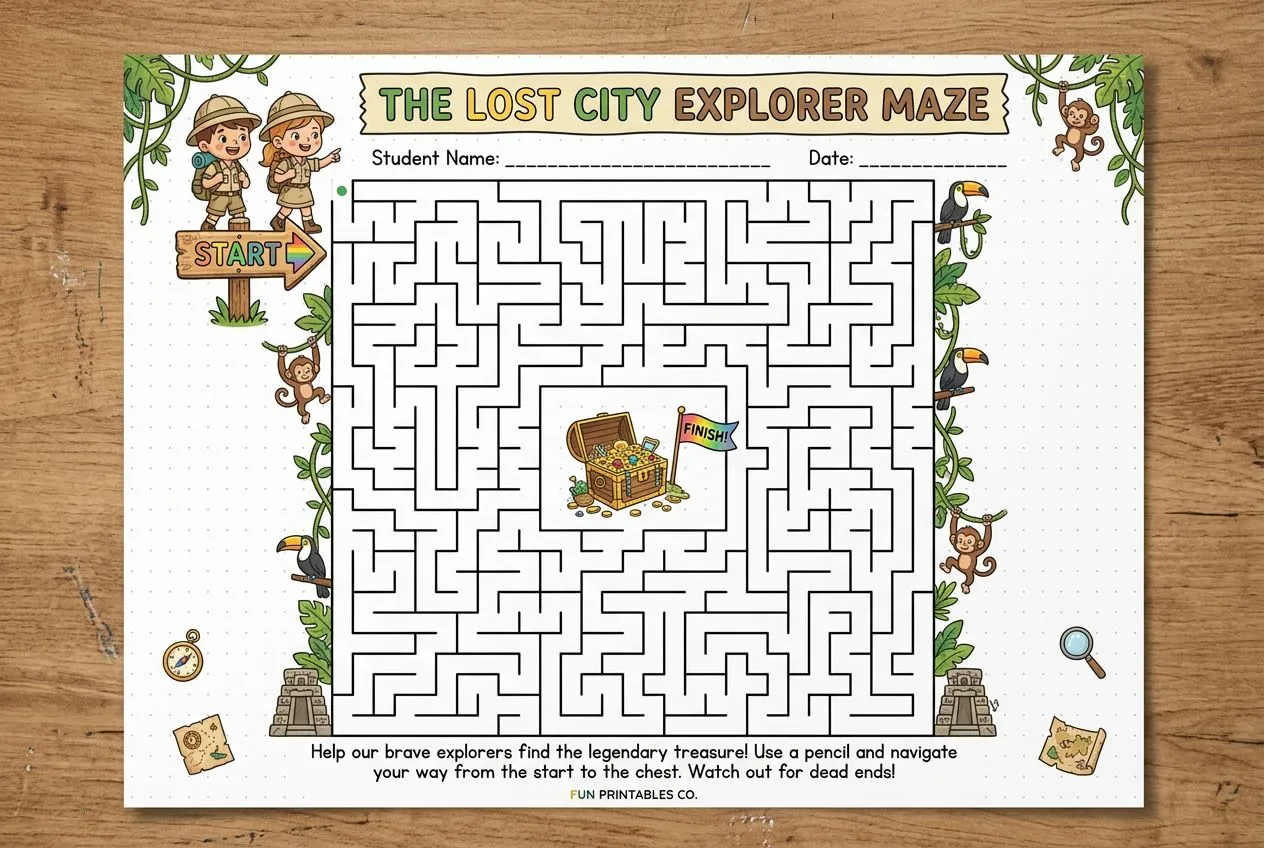
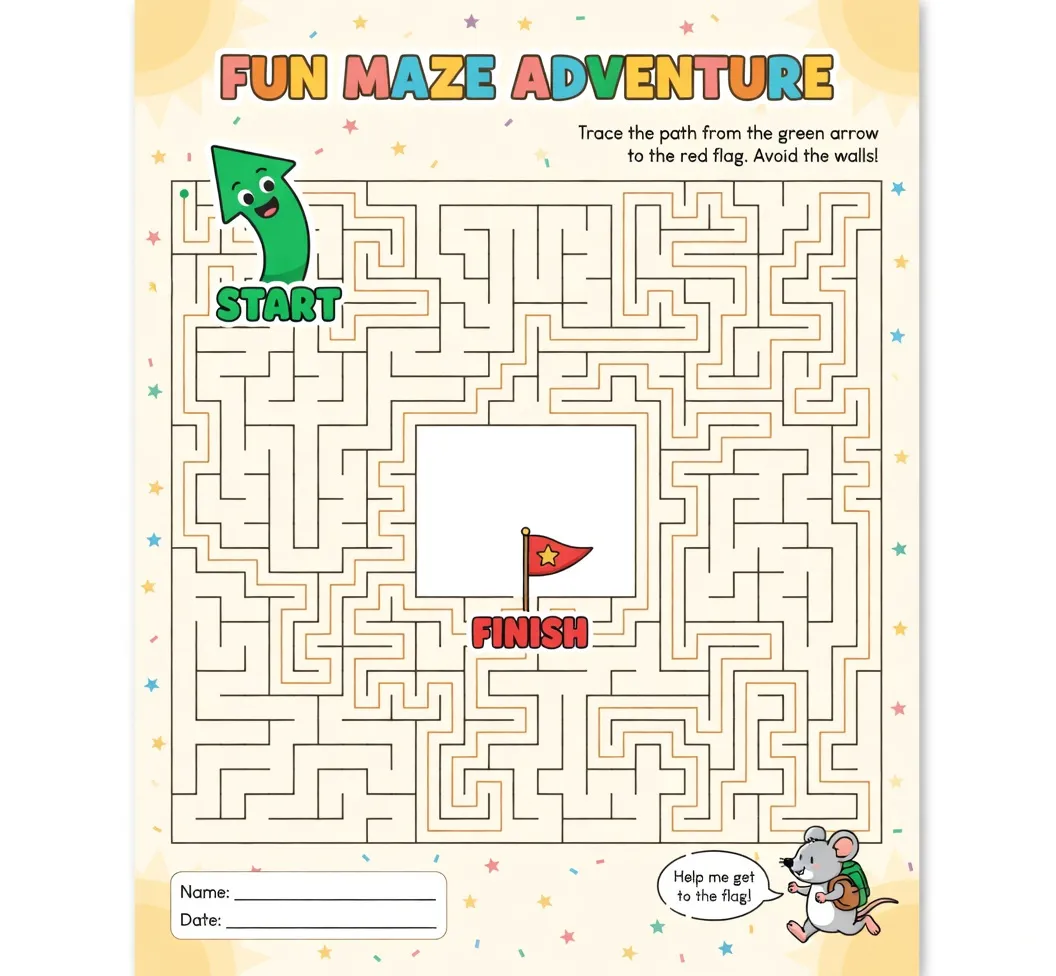
How does it work?
- Choose your maze type (rectangular, circular or triangular)
- Set the size and difficulty - the maze is generated instantly
- Adjust the shape, start and finish points until you are happy
- Export it, with or without the solution
For a full example, see How to create a room-to-room maze worksheet.
FAQ
Can I control the difficulty? Yes. You can set the difficulty to easy, medium, or hard. Maze Creator also shows statistics like dead ends, junctions, and solution length so you can gauge how hard the maze really is.
Can I customize the shape of the maze? Yes. Use the paint and erase tools to add or remove cells, or apply a shape preset as a starting point and go from there.
Does every maze have a solution? Yes. Every generated maze is guaranteed to have a valid path from start to finish. You can show or hide the solution at any time.
Can I use the same maze again? Yes. Each maze is generated from a seed number. Save the seed and your settings, and you can regenerate the exact same maze anytime.
Do I need to install anything? No. Maze Creator runs entirely in your browser. All your mazes are saved locally — nothing is sent to a server.
What are the system requirements? Any modern web browser (Chrome, Firefox, Safari, Edge) on a desktop or laptop.